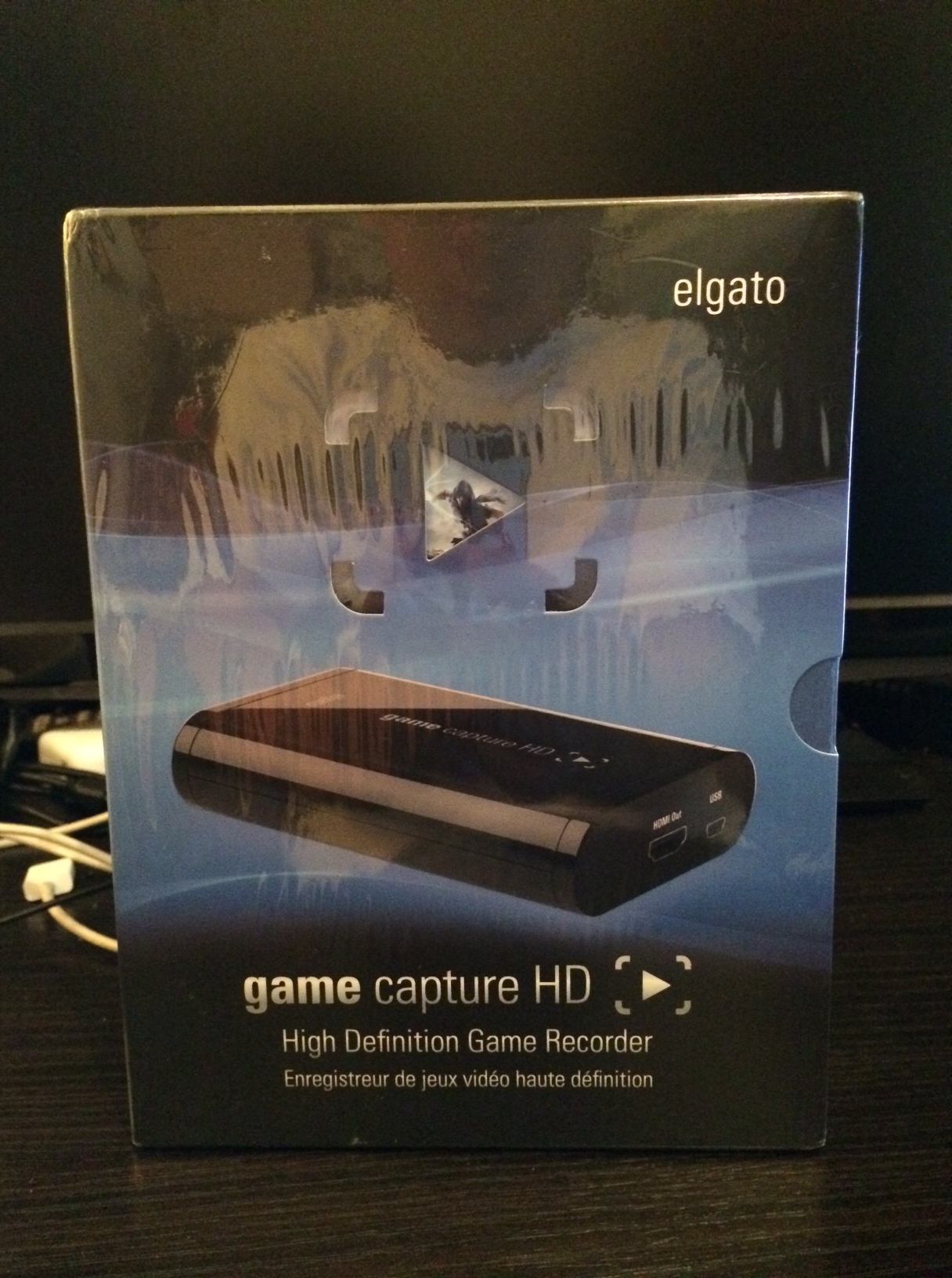
 I will be the first to admit that my self-produced videos to-date have looked horrible. Aiming a webcam at my television isn’t adequate today, nor was it ever a viable means of capturing gameplay footage. Now that I’ve got an Elgato Game Capture HD, those days of ghetto video are (hopefully) over! Continue through the rest of this post as I open it.
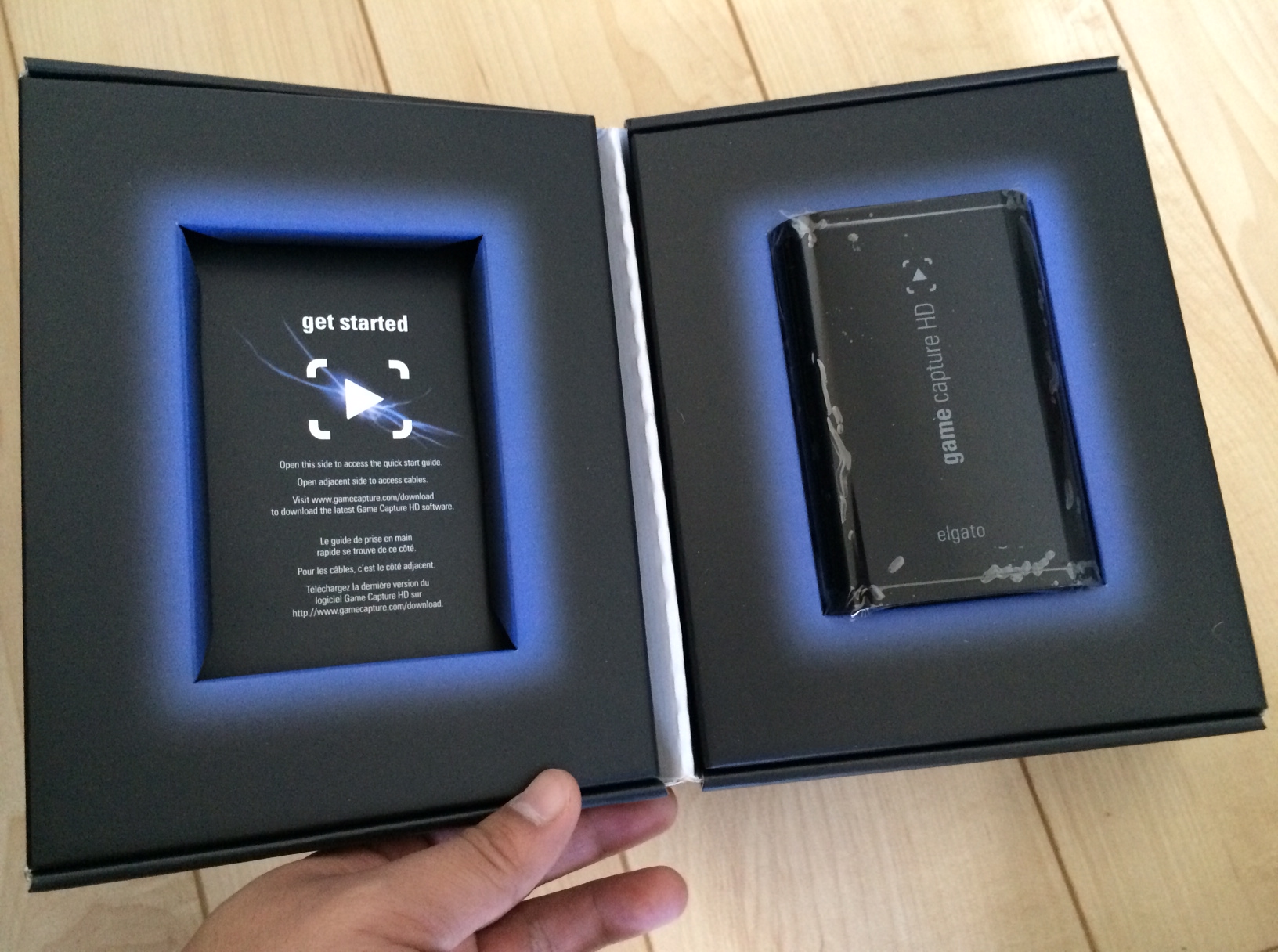 Upon opening the box, you’ll see the capture device on the right and the instructions on the left. The instructions are printed on one side of a card that can be accessed by lifting the left flap.
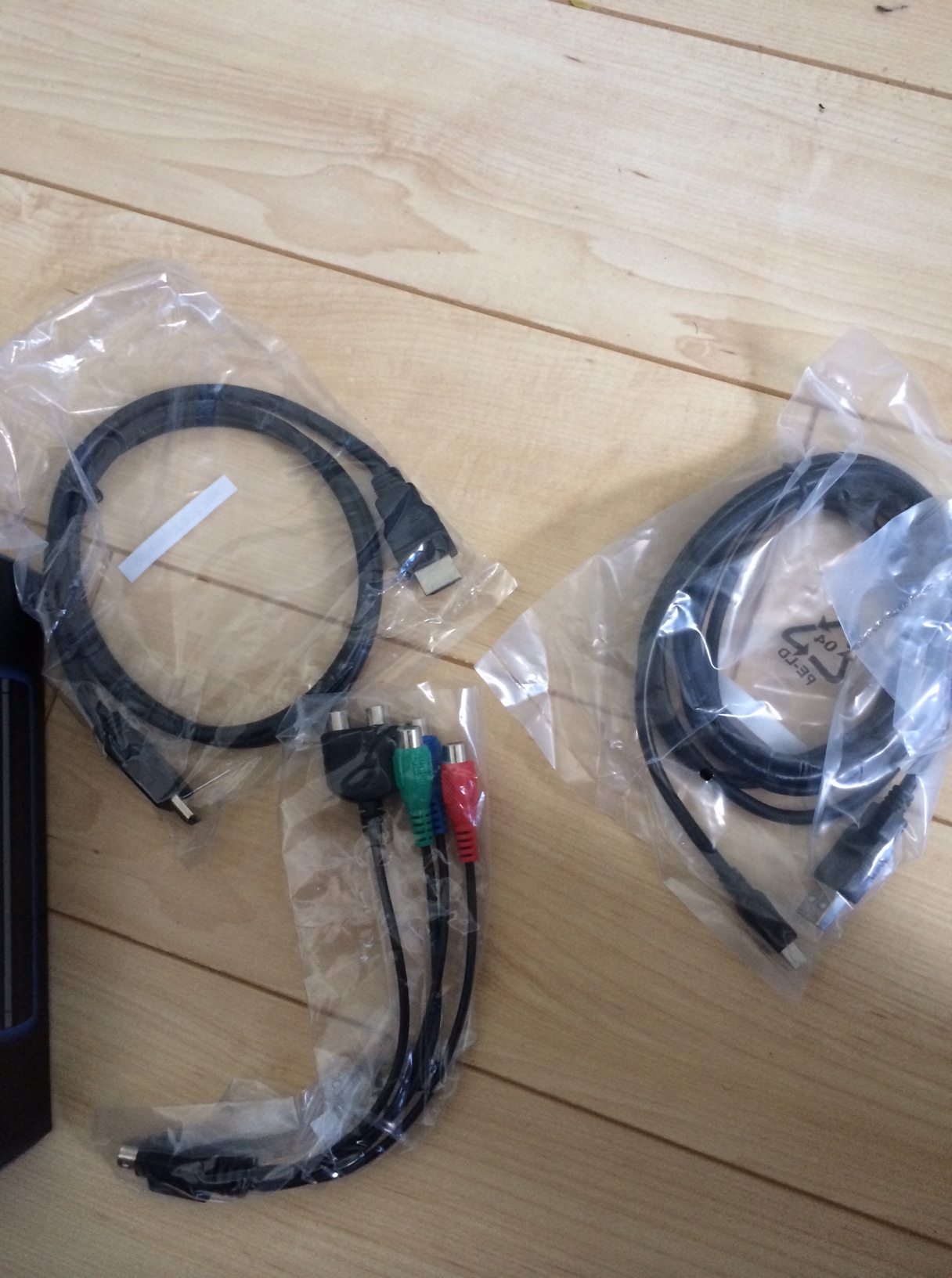 Under the right flap are cables. You’ll get a standard HDMI cable, a PS3-to-HDMI cable, and a component adapter.
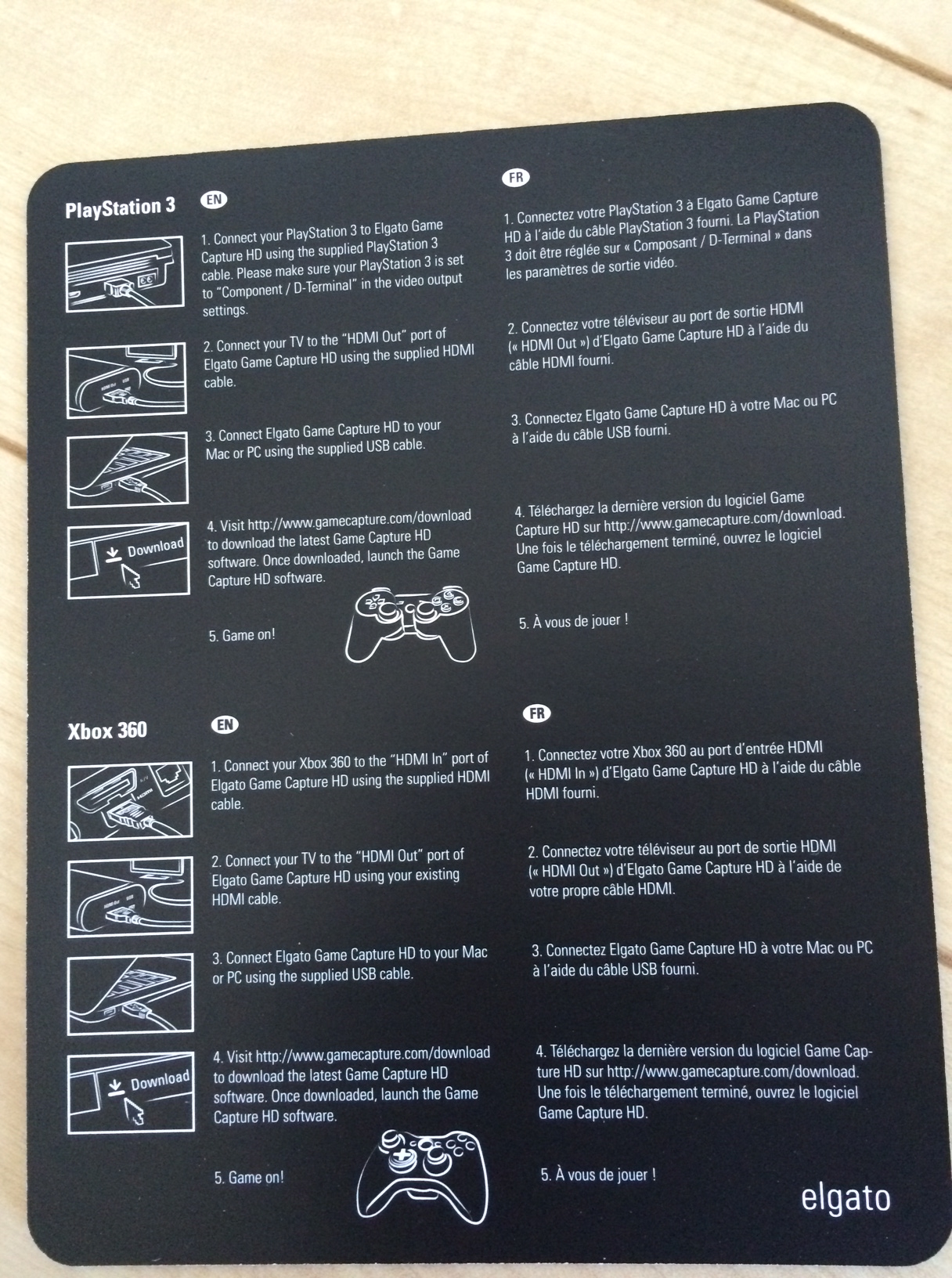 Here’s a look at the instructions if you’re interested.
 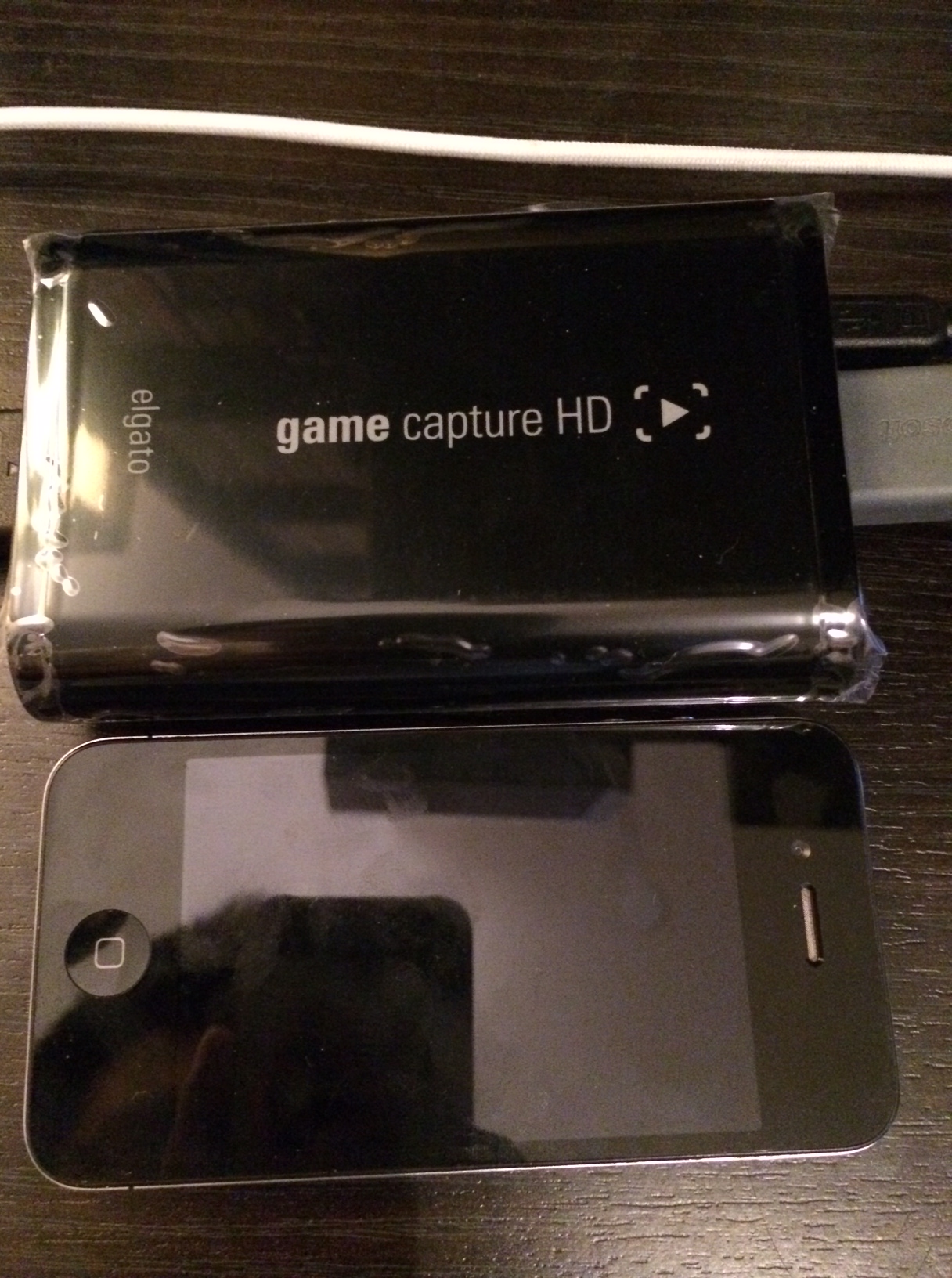 The actual unit itself is really small. Above is a picture of the unit beside an iPhone 4. As you can see, they’re roughly the same dimensions, though the Elgato is about twice as thick. Portability is not really something I considered when I entered this market, though I appreciate how small it is. I can neatly tuck it in behind my television without it being an eyesore.
 Setting up the software, however, wasn’t a pleasant experience. For whatever reason, the install crashed multiple times. Once I got it working, things were better. The video and audio capture quality is amazing. Controlling everything is fairly straightforward and there’s a lot of little options to fine-tune things. Though I haven’t used it much, I find its editing suite to be largely useless. Any sort of cuts I make with the editing tool shift a few seconds back when I watch the video again, which makes anything but the most basic edits to be a lost cause within this interface. Thankfully, importing video into Windows Movie Maker can be done with the press of a button. At the very least, it gets the video and audio capture right.
I’m happy to finally own the tools to capture quality video. I’ve still got a long way to go to get the production up to par, but I’ve got the most important part down thanks to the Elgato Game Capture HD. I’ll definitely write a more well researched and thought out review once I become comfortable with the tool. More importantly, I hope to have some HD quality video on the site soon!


 In Third Person