How-To Easily Create Colour Gradients in OBS Without Photoshop or Other Photo Editing Apps

Colour gradients are a great way of adding design elements that fade into different colours. Until recently, this effect was only possible within Photoshop or other external photo-editing apps. As a streamer, you’d have to bounce between your streaming software and your photo editor to create and implement gradients in the right size.

Now there’s an easier way to create simple gradients within OBS without having to use an external photo app. Let me show you how!

Continue reading

Some of My Noteworthy Posts of 2020

Video games might be the primary focus of In Third Person, but the site and platform at-large ultimately goes where I go. In years past, this meant diving deep into the realm of fighting game strategy. Or catching up on years of comic book lore. Or exploring the world of tabletop gaming.

In 2020, while we certainly talked a fair amount about games, In Third Person branched out in a few key ways. For one, much of my content this year focused on streaming. Whether I was sharing what little expertise I had in order to help others improve their output or providing you with insight on my life as an aspiring streamer, I used this site as an outlet for those thoughts.

And then there was the whole pandemic thing. Though most of my discussion on the matter happens on stream, I wrote a few deeply-personal posts regarding the current state of the world. I don’t regret using this platform to share my feelings of concern and sadness. If anything, I wish I spent more time focusing my thoughts on the pandemic into posts rather than the scattershot ramblings I’m prone to on stream.

Before we close the book on 2020 (good riddance), I just wanted to take a moment to highlight a few of my posts. Not sure if “favourite” is the right word here, especially considering the subject matter of some. But I think this collection of posts provides a snapshot of where I was at this year.

Continue reading

The Most Popular Channel Point Rewards on My Twitch Channel in 2020

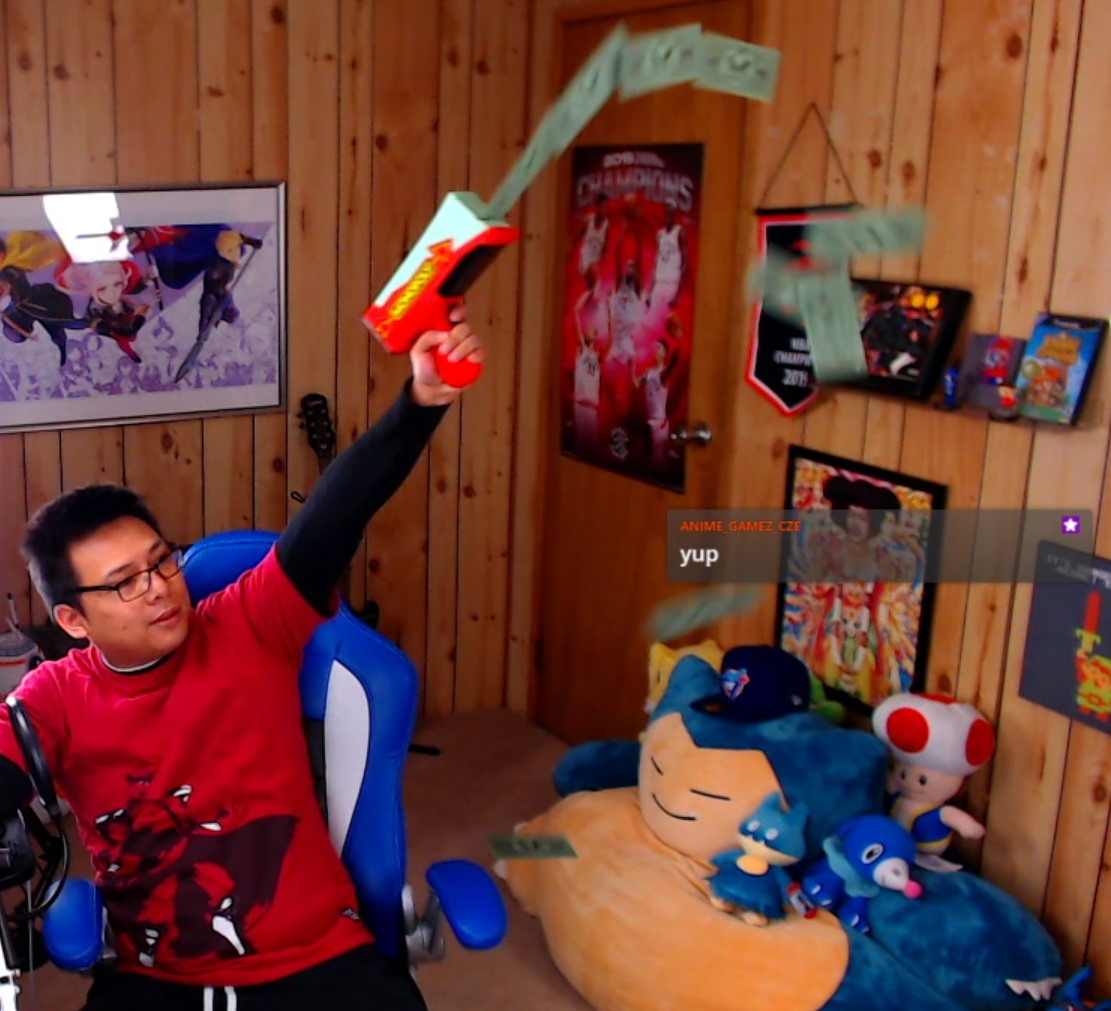
Earlier this year, I implemented new tech that allowed you to control the stream by spending Twitch Channel Points. The feature proved to be such a big hit that it’s now a core component of my show. I love the fact that you get to add your personal touch to the content, whether that means perfectly timing the air horn to coincide with hype moments, taking a hilarious photograph of me with an autograph to match, or blowing the Poke Flute in hopes that shiny Snorlax will appear.

Speaking of which, let’s get the elephant shiny Snorlax out of the room. The most popular Twitch Channel Point reward was the Poke Flute and it wasn’t close. But how much more popular was it compared to the others? And how often were the other effects used? Here are the Channel Point usage stats on my channel from least-to-most used!

Continue reading

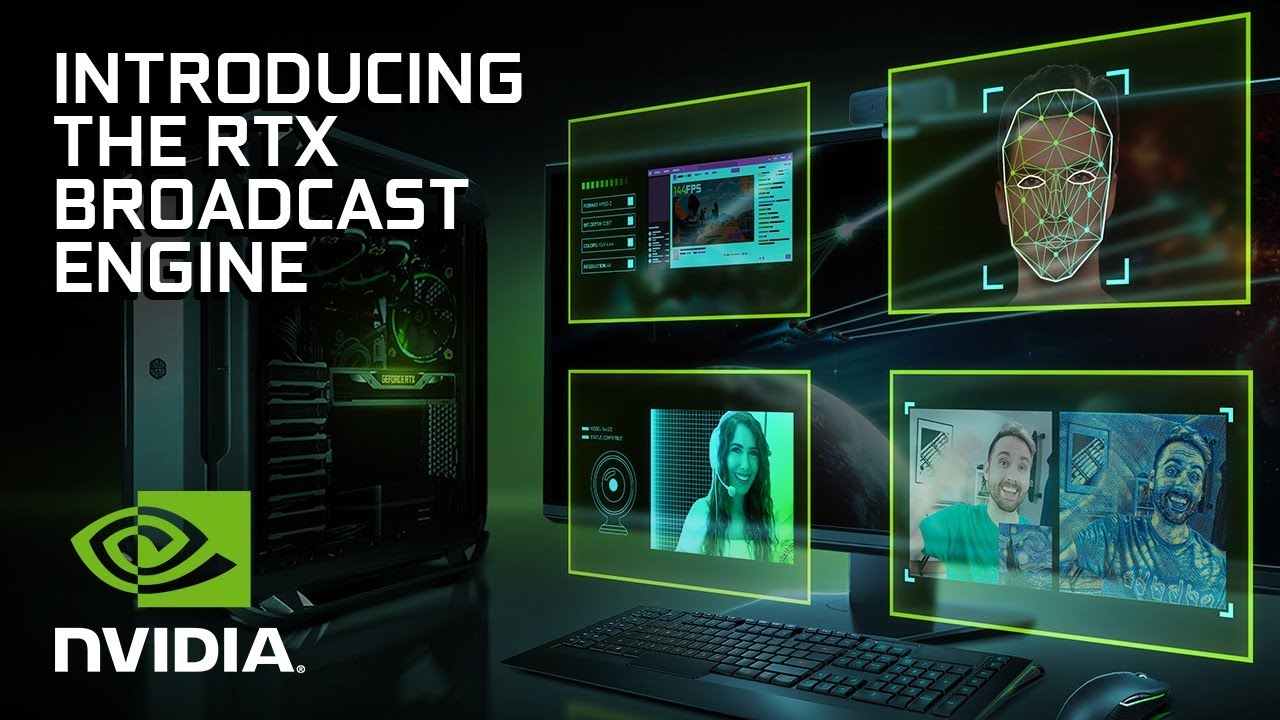
Testing the Features Within NVIDIA Broadcast, Including Noise Removal, Background Removal, and More

NVIDIA made its first major strides into the streaming world with their new NVENC encoder. Incorporated as part of every graphics card above the 1660, their new NVENC provides streamers with a video encoder that is on par with x264 while freeing up the CPU to handle other tasks.

More recently, they’ve rolled out NVIDIA Broadcast. This free suite of tools aim to improve the presentation of your stream. Let’s try them out!

Continue reading

The Year-Plus Posting Streak Ends Tomorrow

This is how it ends.

No, In Third Person isn’t going away. But the 391-day posting streak is going to end tomorrow. Oh well.

Continue reading

Ways of Improving Your Twitch Stream (That Don’t Involve Spending a Fortune)

Making improvements to your stream doesn’t always have to involve spending money. If anything, the best improvements one can make don’t involve money at all. But for streamers on a budget, knowing where to make adjustments without breaking the bank can truly take you farther than spending money on the latest equipment.

Here are a few thought-starters for ways you can improve your stream without spending big bucks on new equipment!

Continue reading

Experimenting with Snapchat Filters on My Twitch Stream

Snap Camera is a application that allows users to apply Snapchat filters to their non-mobile cameras, such as webcams. You can take pictures and record videos within the app itself, or use it within video applications such as OBS. Though the app has been available for some time, I’ve only recently gotten around to it. Will I be applying filters to my face in future streams?

Continue reading

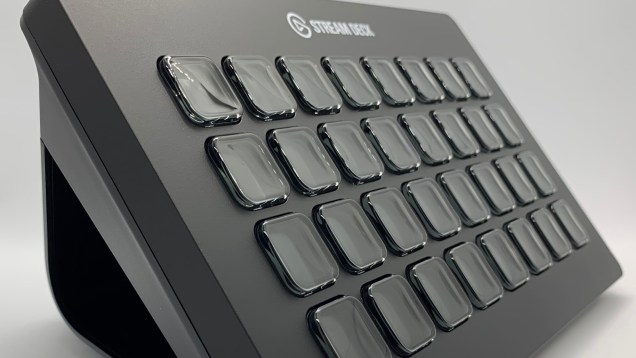
Elgato Stream Deck XL Review

In the wake of the Elgato Stream Deck, stream controllers have become a popular addition to one’s setup. They allow streamers to seamlessly manage their shows in ways that aren’t as efficient as one could manage with hot keys or a mouse.

Despite the initial sticker shock for what amounts to “just” 15 buttons at face value, my Stream Deck has proven its worth many times over. From scene changes, to managing voice changers, to complex event sequences triggered by a single button, my shows wouldn’t be the same without it.

Though the standard set of 15 buttons should suffice for most, I’ve long since run out of space due to my production-heavy shows. Folders allow me to squeeze in a few more actions, but most activities require me to cycle between menus with extra presses, negating some of the device’s convenience. For streamers like me who are in need of even more control, the Stream Deck XL has us covered.

Continue reading

Having Issues Streaming Retro Games With a 4:3 Aspect Ratio on Twitch? Try This Overlay Design Trick in OBS!

In a world where 16:9 is the norm, retro games created with the old 4:3 aspect ratio can be a pain to stream. Having to fit a square gameplay feed into a rectangle overlay leads to a lot of empty space, forcing streamers to create overlays specific to retro gaming.

One potential way to fill the extra space is to mirror the gameplay and blur the background. This effect is most commonly used when displaying vertically-shot videos on a widescreen display. Here’s how to implement this look on your stream!

Continue reading

What You Should Know About Soundtrack by Twitch

The subject of using licensed music on Twitch has been a messy one since the platform’s inception. Some streamers have been hit with DMCA strikes, countless videos have been muted for containing licensed music, and many other streamers seem to use licensed music with no punishment whatsoever.

In hopes of clearing the air for what’s allowed on their platform, Soundtrack by Twitch provides streamers with a curated library of Twitch-safe music.

While I applaud Twitch for attempting to address the confusing subject of music use, Soundtrack by Twitch is not a silver bullet solution for everyone. Here are some tidbits you should know before committing to this music platform.

Continue reading