Favourite Songs from Sayonara Wild Hearts Soundtrack

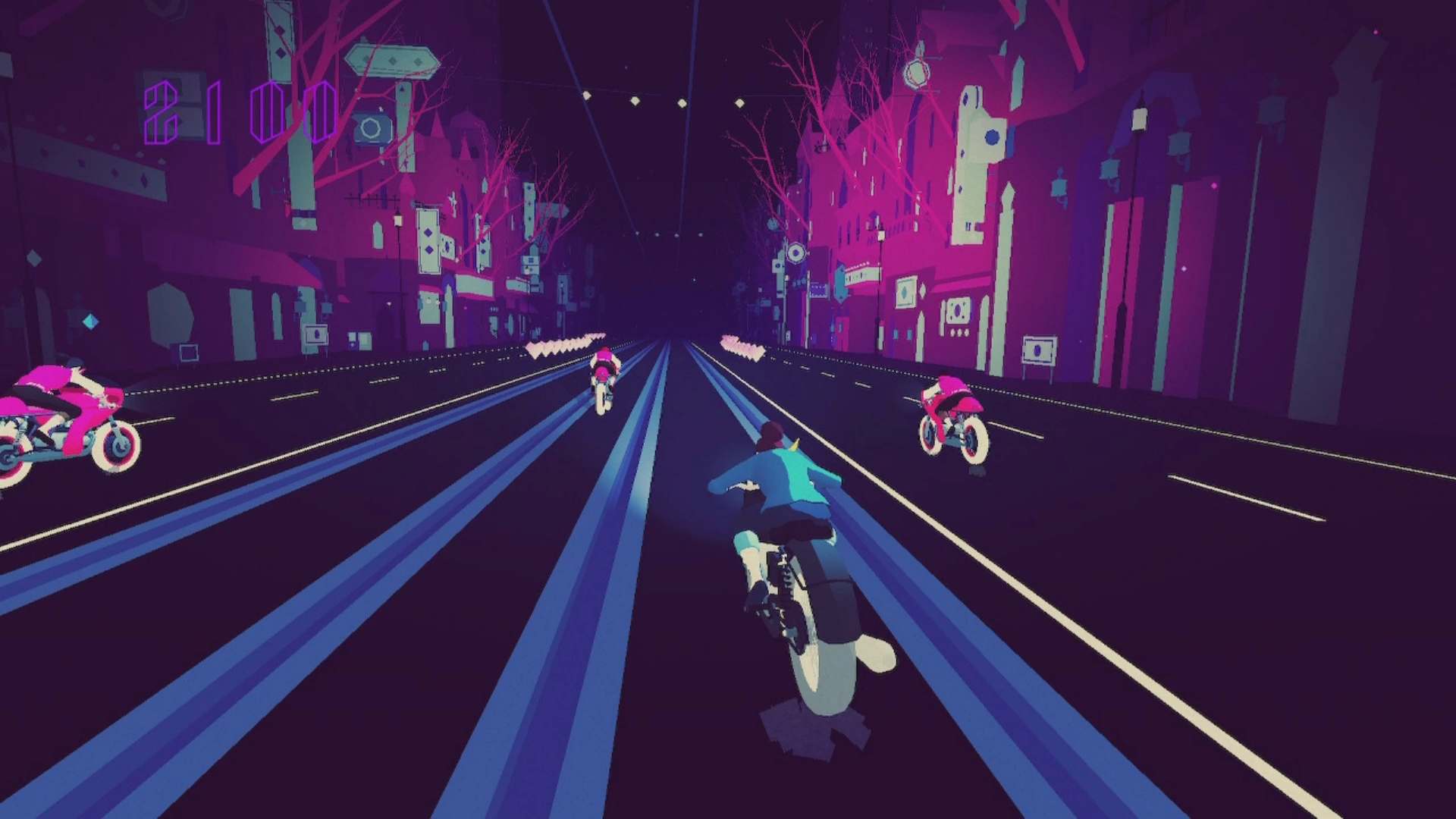
Sayonara Wild Hearts is self-described as a “pop album video game“. As you race down windy streets in your motorcycle and fly through an assortment of ethereal spaces, all of the action is driven by an awesome electro pop soundtrack.

When I go back and listen to the soundtrack, I generally just let it run from beginning-to-end and vibe to the album as a whole. Even so, I can’t help but groove to these standout tracks and levels from the game.

Continue reading

Advanced Green Screen Tutorial: How-To Only Chroma Key Specific Spots of Your Camera in OBS

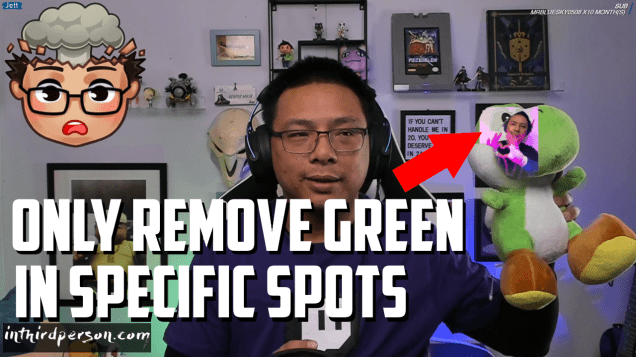
Using green screen technology is an awesome way to merge the physical and digital worlds together. For the past few months, I’ve been using a green screen and the chroma key feature in OBS to display a digital slideshow within a physical frame.

Though I love the effect it creates, the technology comes with limitations. Chroma key filters don’t just remove your green screen, they remove everything in view with a close enough shade of green. Your clothes, objects, and lights can all get eaten by the chroma key, which is an awful side effect.

Recently, I have discovered a way to minimize the chroma key’s area of effect. Using this particular setup, you can still wear green or use green lights as long as they don’t overlap with your green screen.

Heads up that this one is a bit messy to implement and it does require you to download a third-party OBS plugin. Also, since this requires a third-party OBS plugin, this trick won’t work in Streamlabs OBS. Sorry! But for OBS users, try this technique to focus the green screen effect to just your green screen!

Continue reading

Street Fighter V and the Army of Rookie World Warriors

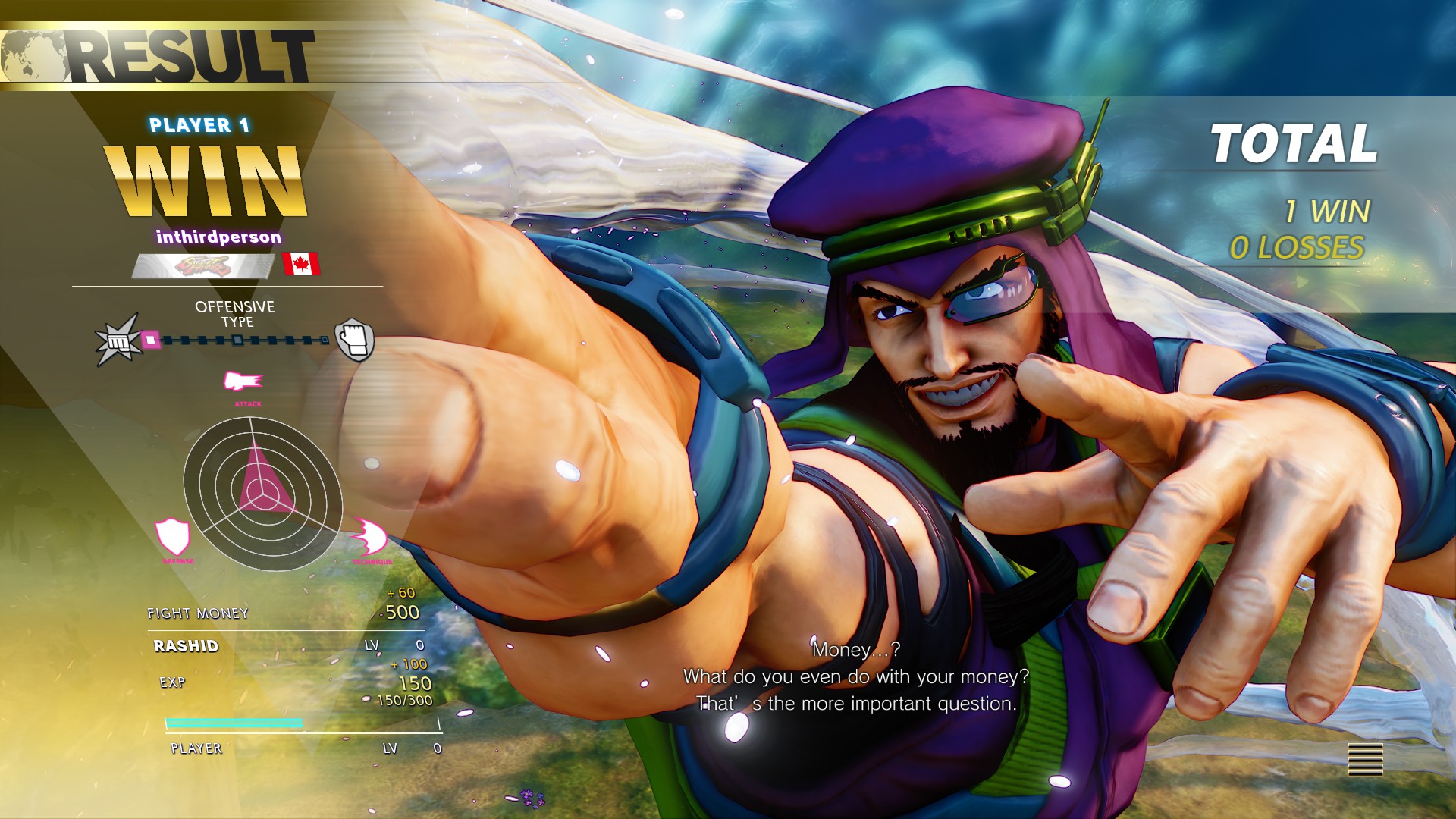
Years after leaving Street Fighter V behind, I recently began my journey anew. This time, with a clear mind, no pressure to perform, and with a new account on PC with zero ranking points.

Though I still have a lot of rust to shake off, I didn’t exactly return to the scene as a white-belt warrior. In about a day’s worth of work, I jumped from 0 BP to about 4,500; good enough to get me into Gold rank. Based on the way that players are distributed across the rankings, I leapfrogged roughly 88% of the player base.

Continue reading

How to Easily Add Rounded Corners to Your OBS Camera View

Rounding off the corners of your camera view is a slick effect one can implement on their stream to stand out. One could achieve this effect in the old days by creating an image mask. Image masks are still great for custom shapes, but there’s an easier way to achieve that effect thanks to an OBS plugin. Here’s how to do it!

Continue reading

Make Your Camera Any Shape in OBS with Image Masks

By default, your camera feed will appear as a rectangle. But did you know that you can make your camera appear in any shape you want? Yes, it’s possible to just round out the corners, go full-on circle, or any other shape your can imagine. Here’s how you can achieve this look in OBS or Streamlabs OBS!

Continue reading

Someone Stole My YouTube Video. Then YouTube Terminated My Account.

“Also, did you know that a spambot reposted our video?”

My brother Randy sent over a screenshot. On the bottom was the listing of our video that I uploaded 13 years ago to my personal YouTube account. Above it, a listing of our video but uploaded by someone else. Even though the illegal rip of my video had only accrued one view in eight months, it’s my legal right to stop the unauthorized distribution of my creative works.

Within minutes, I filed my first DMCA on YouTube. A few days later, YouTube…terminated my account.

Huh?

Continue reading

My Streaming Studio Tour: 2021 Edition

Stream setups come in all shapes and sizes. Some streamers work with multiple DSLR cameras, a high-end microphone, and a computer that could power a space station. Others make it happen by leveraging the built-in streaming functionality on their consoles. Some excel by broadcasting with only their phone.

Will be the first to admit that it’s a ton of fun talking about streaming tech and adding more tools to my setup. Even so, the value of one’s content isn’t defined by the equipment they have, but what they do with it. People make amazing things happen with lesser gear all the time.

As I continue to develop my streaming setup, I try to remind myself of this truth. My setup has gotten much better in the last year or so but none of this stuff matters if my content isn’t fulfilling to make and isn’t adding value to your life. Here’s what I use to create!

Continue reading

I Completed My First Battle Pass And I Don’t Think I’ll Ever Do This Again

Popularized by Fortnite, the battle pass as a content distribution method in video games has become a staple in gaming. When one purchases a battle pass, they can unlock a series of perks through the course of regular play. However, if you fail to unlock every perk before the allotted time, those perks are gone forever. As such, those who partake in the battle pass grind are heavily incentivized to buy early and play frequently to squeeze every last reward out of their investment.

Though I’ve played games that contained battle passes in the past, the Frigid Haul battle pass within Rogue Company is the first one I’ve ever actively worked towards completing. Do I feel better about my life having gone through the process? No.

Continue reading

How-To Easily Create Colour Gradients in OBS Without Photoshop or Other Photo Editing Apps

Colour gradients are a great way of adding design elements that fade into different colours. Until recently, this effect was only possible within Photoshop or other external photo-editing apps. As a streamer, you’d have to bounce between your streaming software and your photo editor to create and implement gradients in the right size.

Now there’s an easier way to create simple gradients within OBS without having to use an external photo app. Let me show you how!

Continue reading

The Frustrating Decentralization of PC RGB Lighting Management

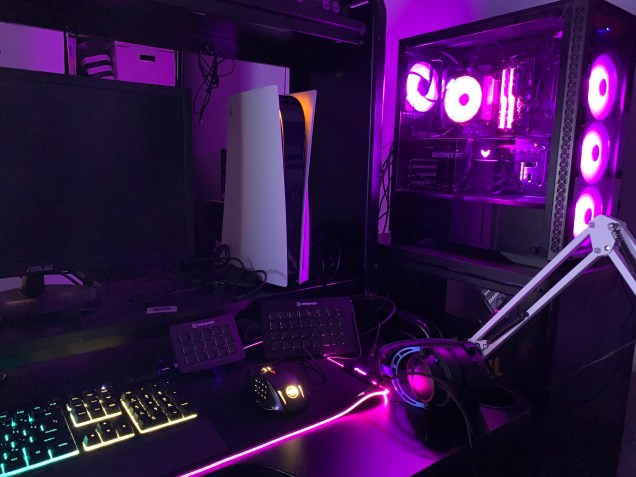
RGB lighting might be the single biggest cliche in PC culture. But when I powered on my new PC for the first time and saw the glow of my CPU and RAM, I was in love. Since then, I’ve gotten a few more devices that support RGB, including a mouse, keyboard, and mouse pad. By happenstance, the new graphics card also has an RGB emblem, which is a nice bonus.

Seeing the lights in full bloom continues to be a treat. Unfortunately, managing them has proven to be a nightmare, especially if you want every device to glow in sync.

Continue reading